YOUR MUSIC. TWO SIDES. ONE CASSETTE.
Good music.Made physical.
Make room for your favourite songs. Arrange both sides, prepare your recording and make a cover worth keeping.
Open source · Local audio · Desktop prototype
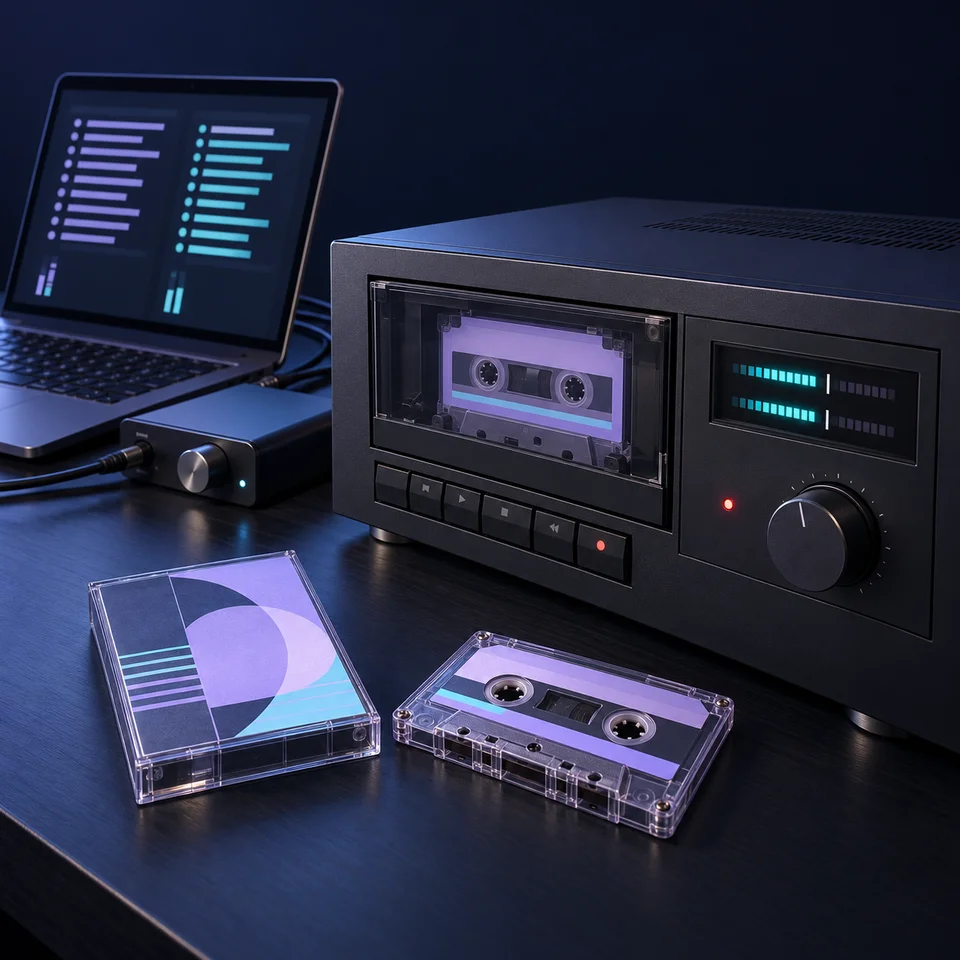
From a folder of songs to a tape you can hold.
Three workspaces. One project. Your music stays on your computer.
Build your mixtape
Plan side A and side B, set the gaps and check your levels before you press REC.
Explore the workspace →02Get to know your deck
Record a test, capture the playback and save a profile for your deck and tape.
Explore the workspace →03Give it a cover
Choose a style, add the tracklist and print your J-card at the right size.
Explore the workspace →At the workbench
Practical guides for the next tape you make.
How to record a cassette from your computer
Connect your computer to the deck’s line input, set a recording level, and listen back to a short sample before recording a complete cassette side.
How to make a mixtape on cassette
Choose openings and endings for both sides of a cassette mixtape, fit the running time, and test the transitions before recording.
How to set cassette recording levels
Set the digital output and the deck’s REC LEVEL, then verify loud and quiet passages from the tape before recording an entire side.